
Stackable content bands allow you to easily mix-and-match various types of content on each page of your website, including text, photo galleries, videos, full-width imagery, testimonials, and more. Each full-width content band acts as a container to help visually break up content and let you create unique web pages with eye-catching layouts and styling options.
A menu of content band options can be found by selecting the blue ‘Add Layout’ button within the Flexible Content area of any basic page.

The content band options typically vary from one website to another. You can expect to find some or all of the following:
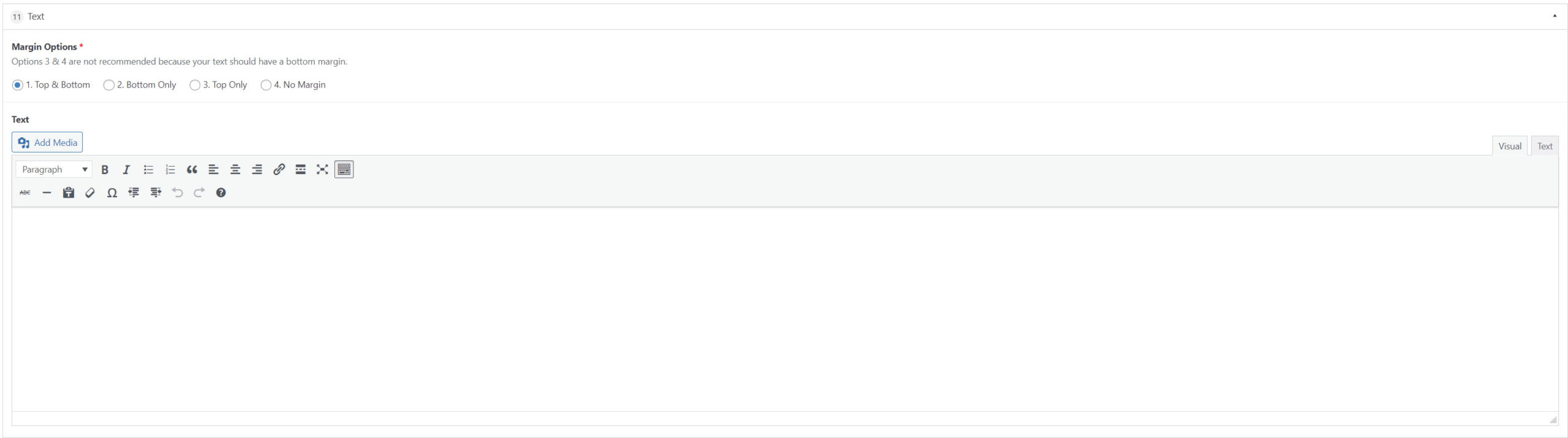
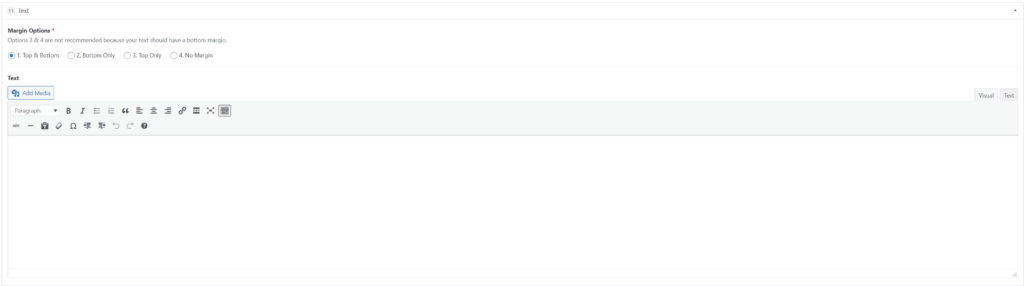
Text
This band will allow you to create, edit, and format your text in a view similar to that of a word processor. Familiar text formatting options are available within this block such as bold, italics, heading treatments, hyperlinking etc.
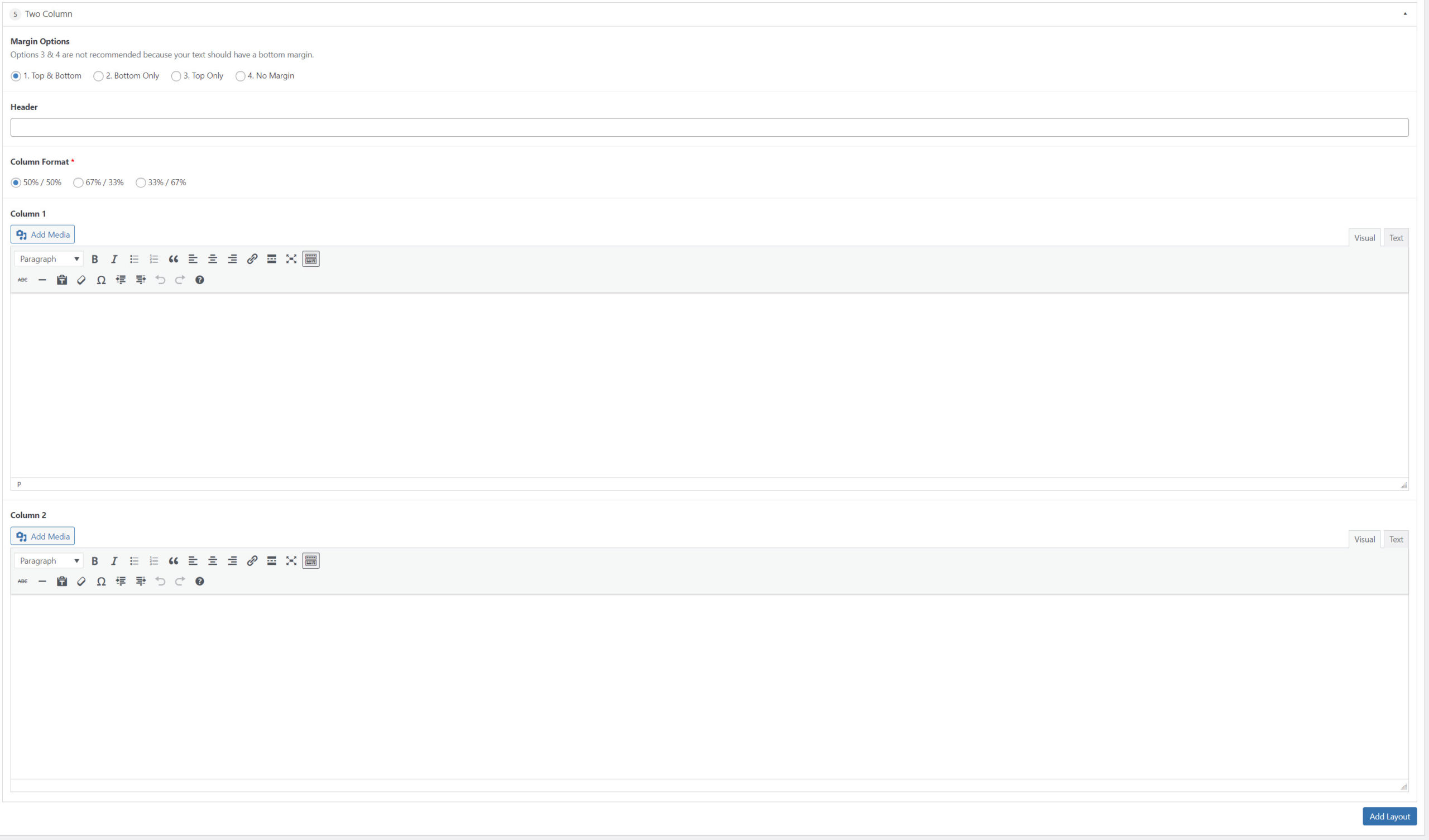
Two Column
This band is essentially two side-by-side text bands. You’ll be given the option to format the columns in the following widths: 50%/50%, 67%/33%, or 33%/67%. An optional header can also be added above the columns.
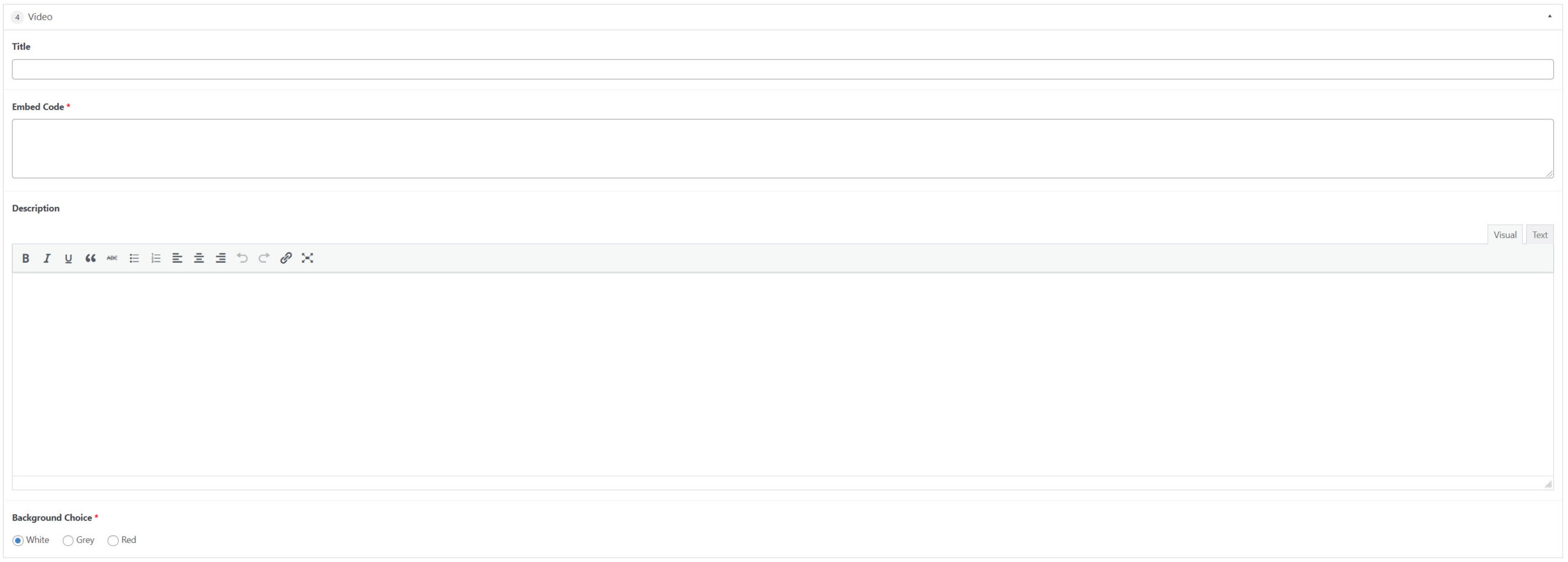
Video
This band will allow you to embed and play videos directly on the website. The videos must first be hosted on either YouTube or Vimeo. You’ll be asked to supply the “embed code” for your desired video. An optional title and description can also be included within this band. Your site may also give you the option to select a background color behind the video.
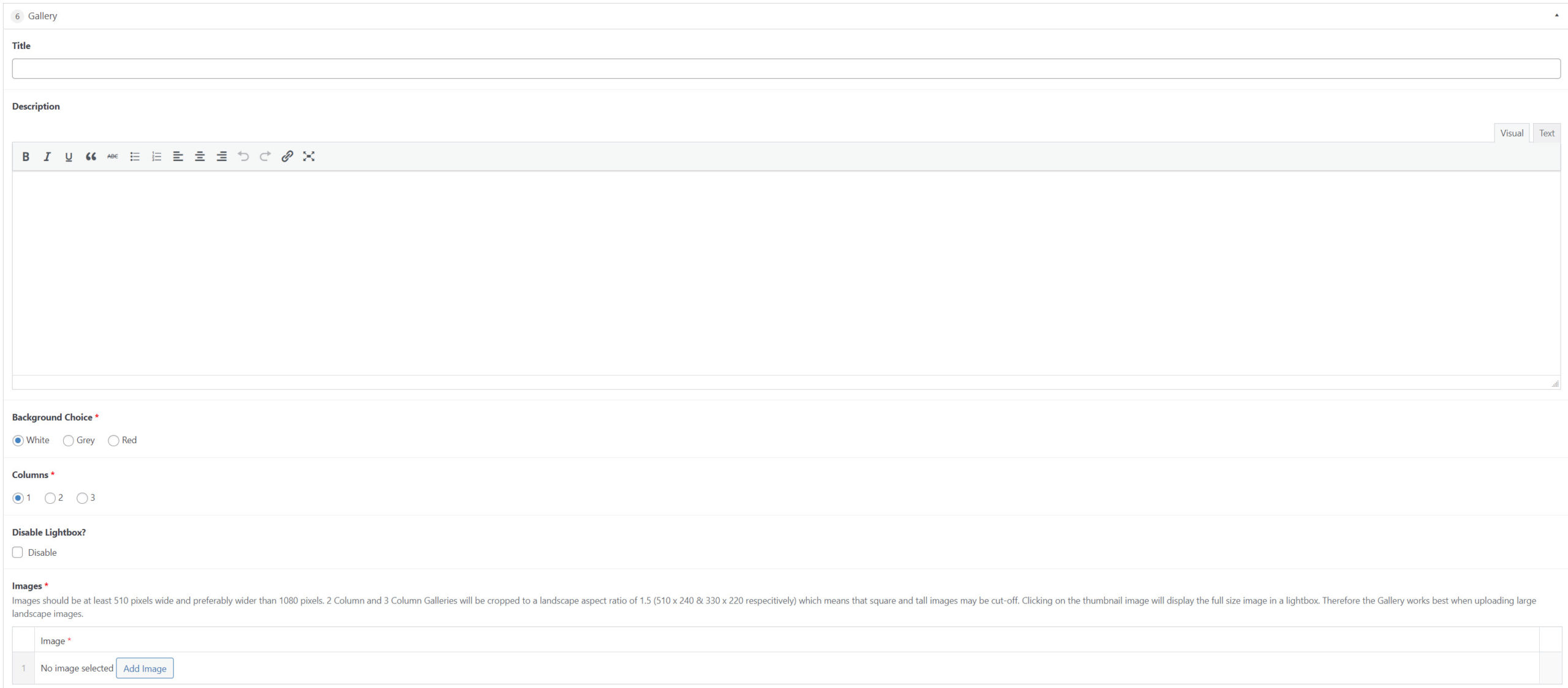
Gallery
This band will allow you to add galleries of multiple images. Images can be presented in 1, 2 or 3 columns. You can also choose to toggle on/off the “lightbox” feature which displays the images in a distraction-free window. Your site may also give you the option to select a background color behind the gallery.
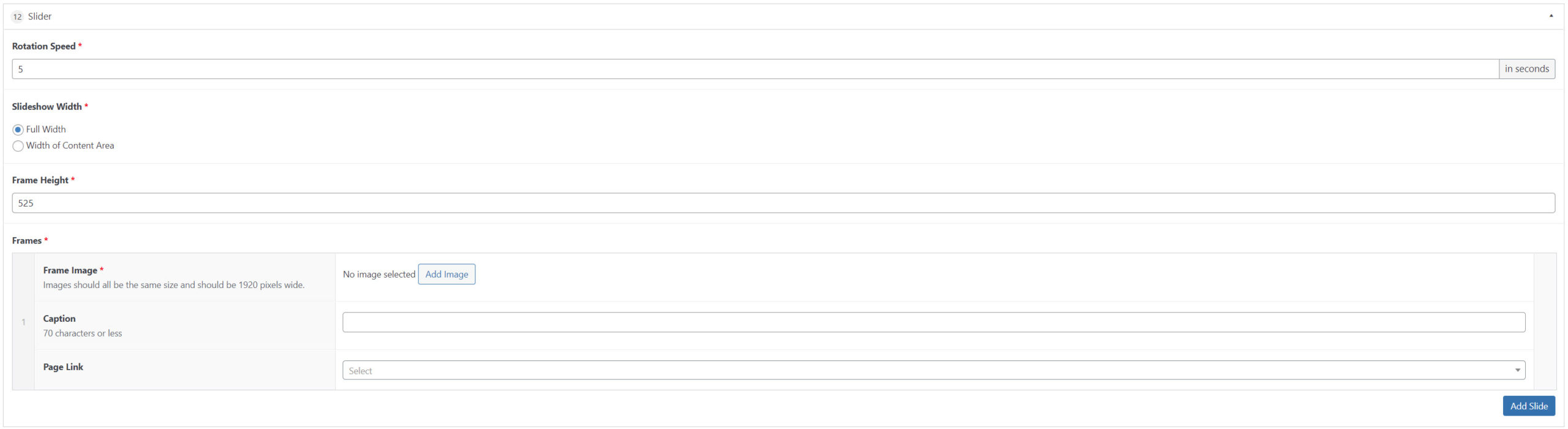
Slider
This band gives you the ability to place full-width images on the site. A single image can be added and will appear statically, whereas multiple images will be displayed in a slideshow. You’ll be given the option to adjust the rotation speed of the images, as well as their height. Each image can also optionally have a caption and an attached hyperlink.
Margin
This band is helpful in the event that you need a little extra padding (i.e. white space) between bands. You can designate a specific amount of space in pixels.

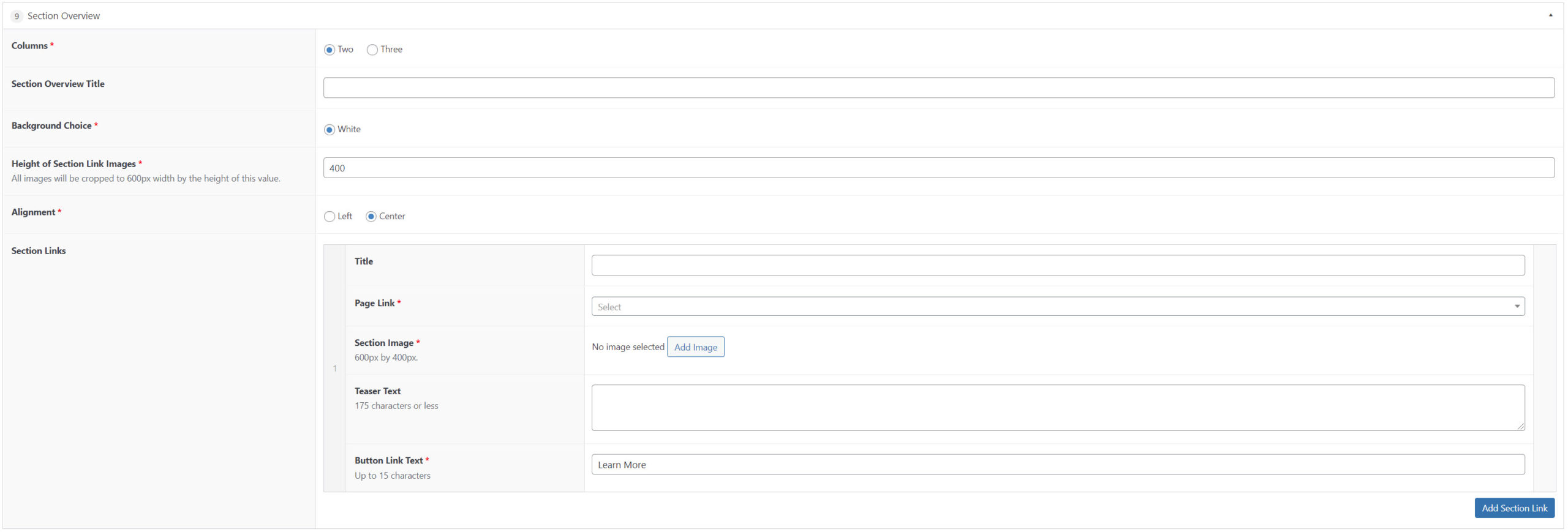
Section Overview
This band is great for highlighting other sections of the website through a block/tile that contains an image, title, optional teaser/description and a linked button. You can select 2 or 3 tiles per row and also adjust the alignment of the text. Your site may also give you the option to select a background color behind the tiles.
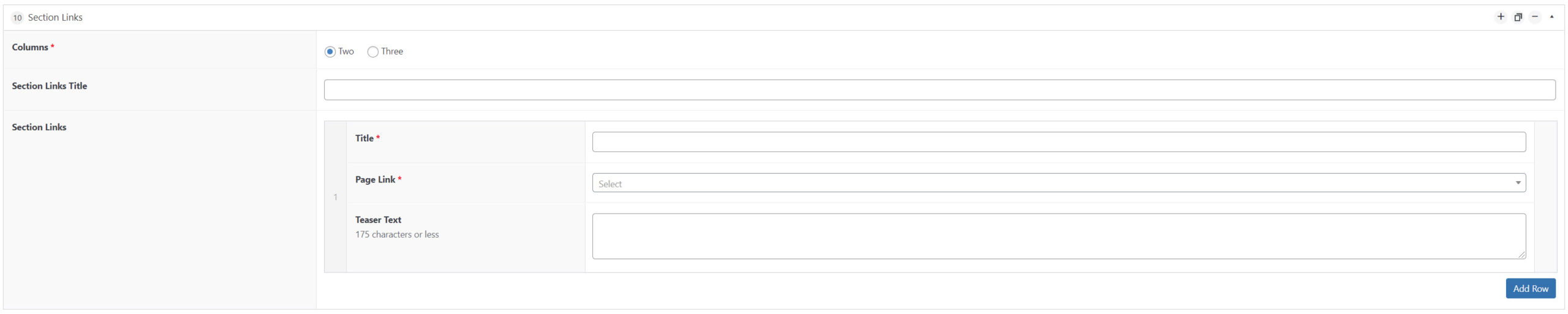
Section Link
This band is similar to the Section Overview band. It will allow you to highlight other sections of the website through a block/tile that contains a title, optional teaser/description and a hyperlink. You can select 2 or 3 tiles per row.
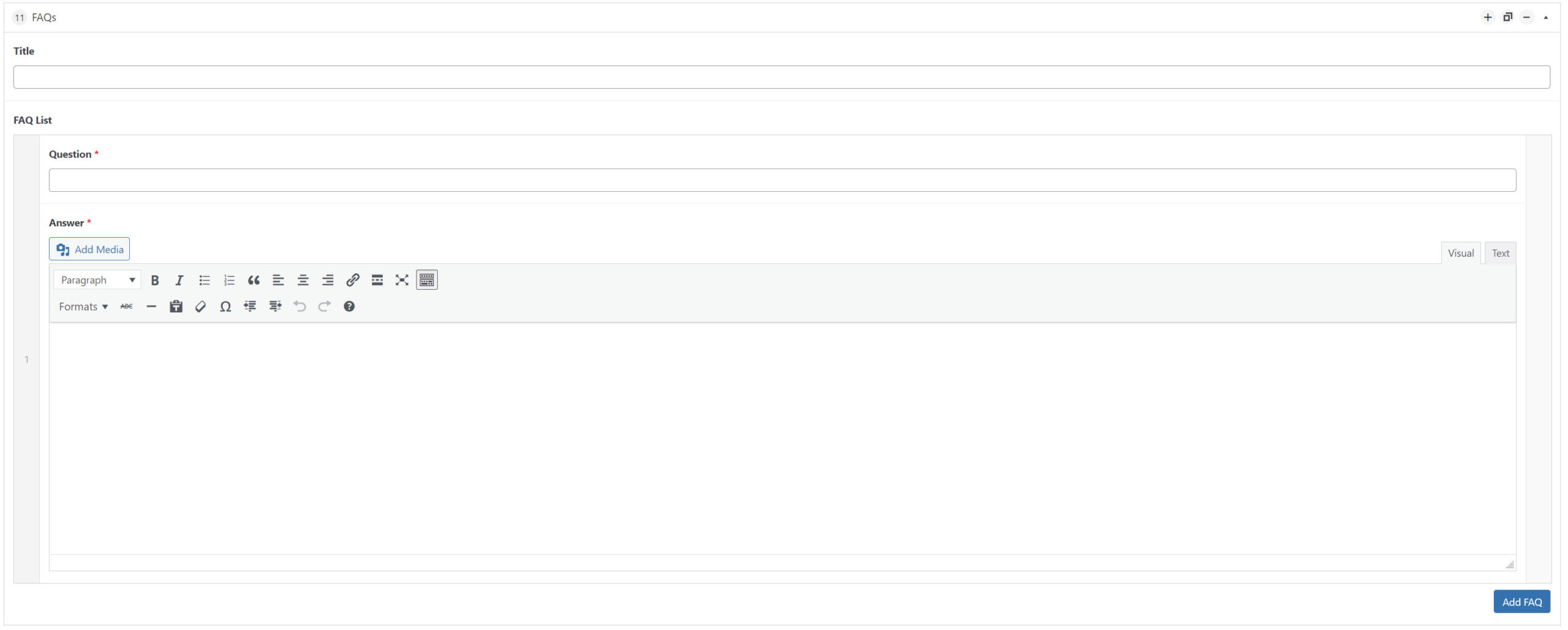
FAQ
This band is ideal for questions and answer-style content. It’s also helpful for consolidating large amounts of content on a page. You’ll be asked to provide a “question” (which appears as a clickable heading) as well as an “answer” (which will only appear/open up once the question is clicked. An optional title can also be added to this band.
Testimonial Slider
This band is ideal for showcasing multiple quotes/testimonials. A single testimonial can be added and will appear statically, whereas multiple testimonials will be displayed in a slideshow. Each can include an optional image, attribution and organization. You’ll also be given the option to adjust the rotation speed of the testimonials.

Basic Text Formatting
Many of the content bands available on your website (along with other content types such as: blog posts, calendar events, staff bios, etc.) contain ‘editors.’ An editor is essentially a mini-word processor which allows you to add text, imagery and files. Please review the below tutorial to ensure you’re adding content to your site’s editors appropriately:
All done? Please continue to the final step:
Click here to confirm you’ve reviewed all the necessary tutorials and are ready to schedule your Q&A.